One-Click Twerk Video Generation
Upload your photo and let AI handle the animation. There's no need to write prompts, adjust complex settings, or learn video editing software. Just choose your image and generate your twerk video.
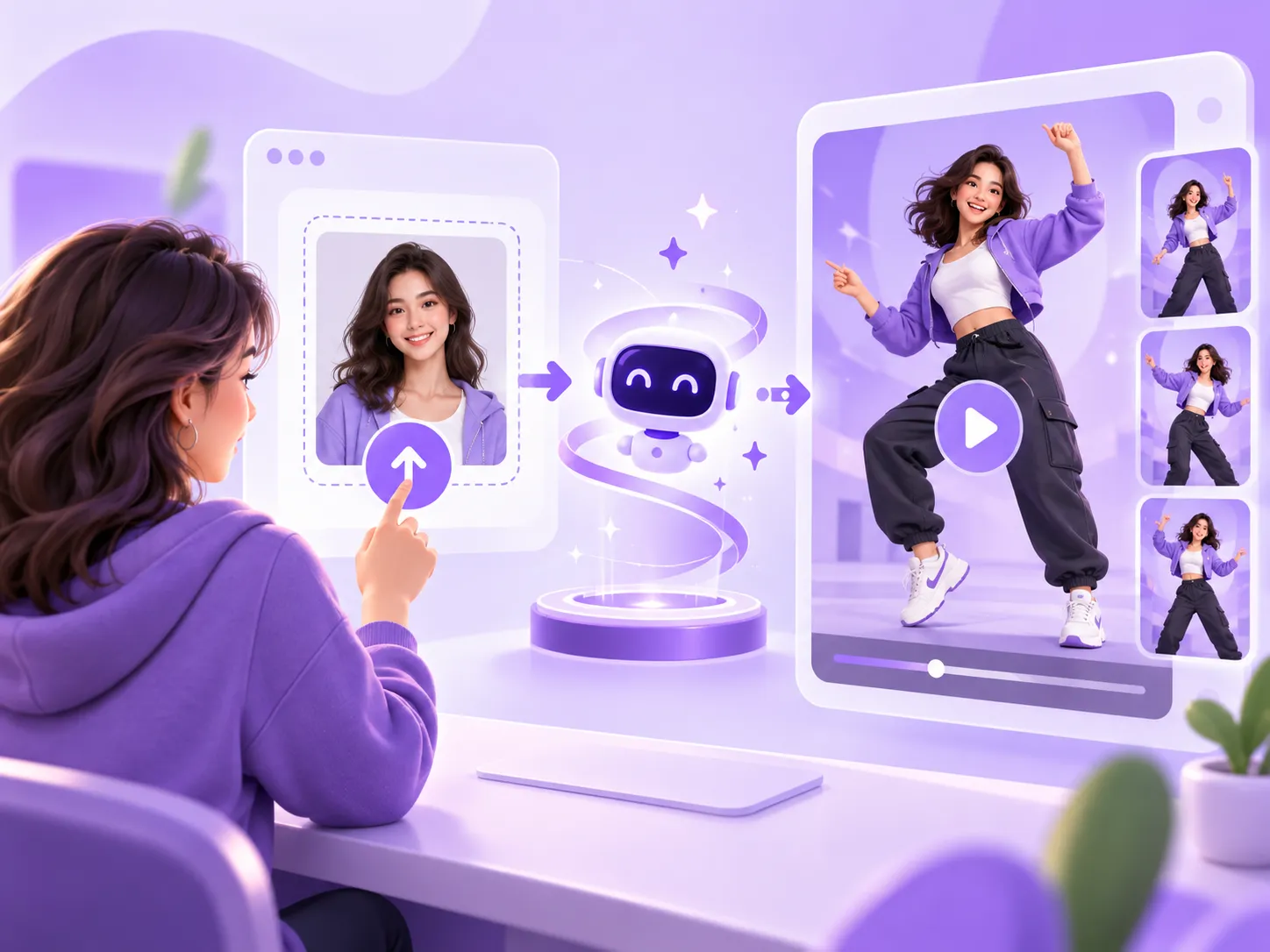
Turn a photo into a fun twerking video with our online AI twerk video generator. Simply upload your image and create a short dance clip without filming yourself or editing a video.
Compare each original photo with its AI-generated twerk video. See how our AI twerk generator turns a still image into an animated clip, and how the input photo affects movement and visual details.
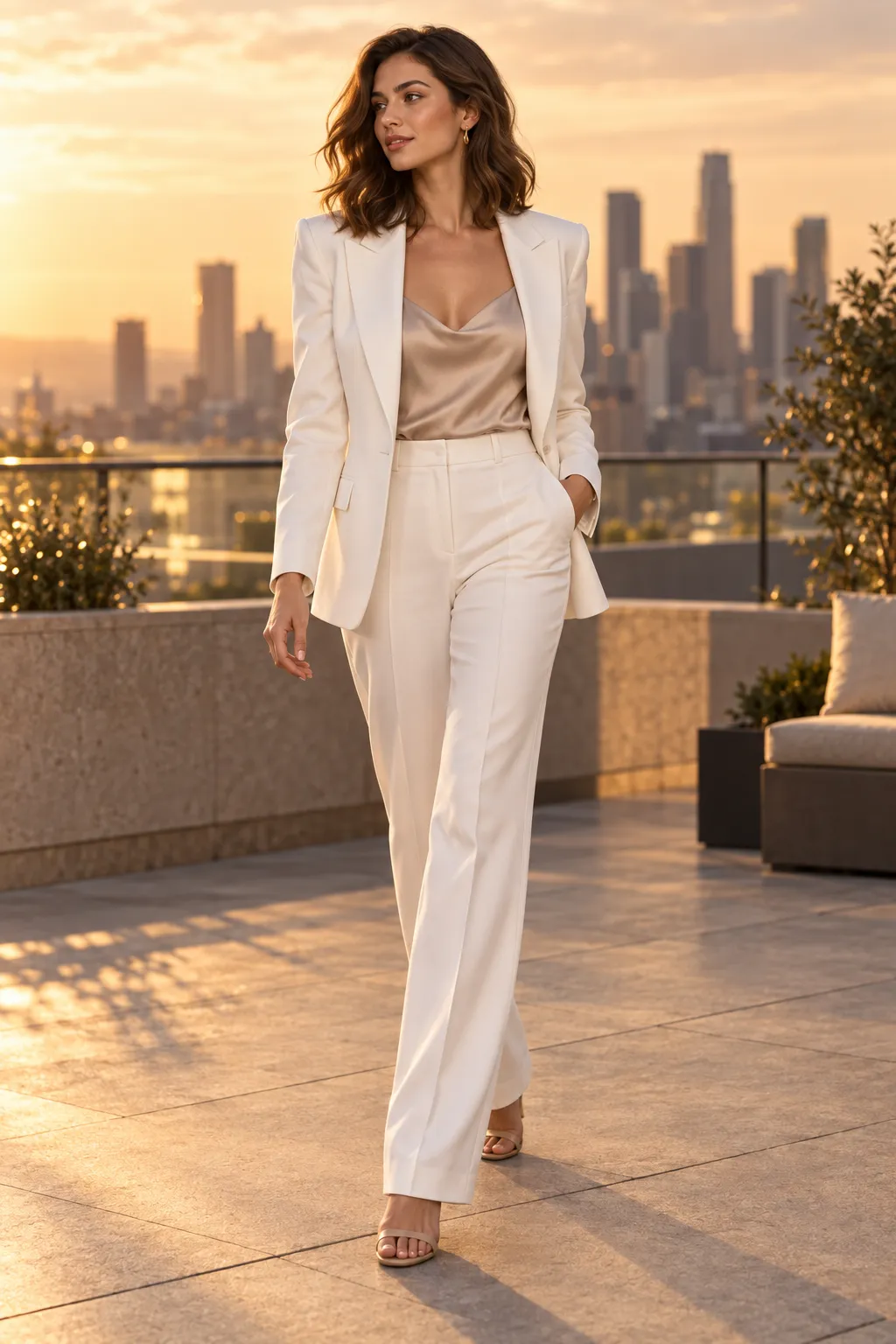
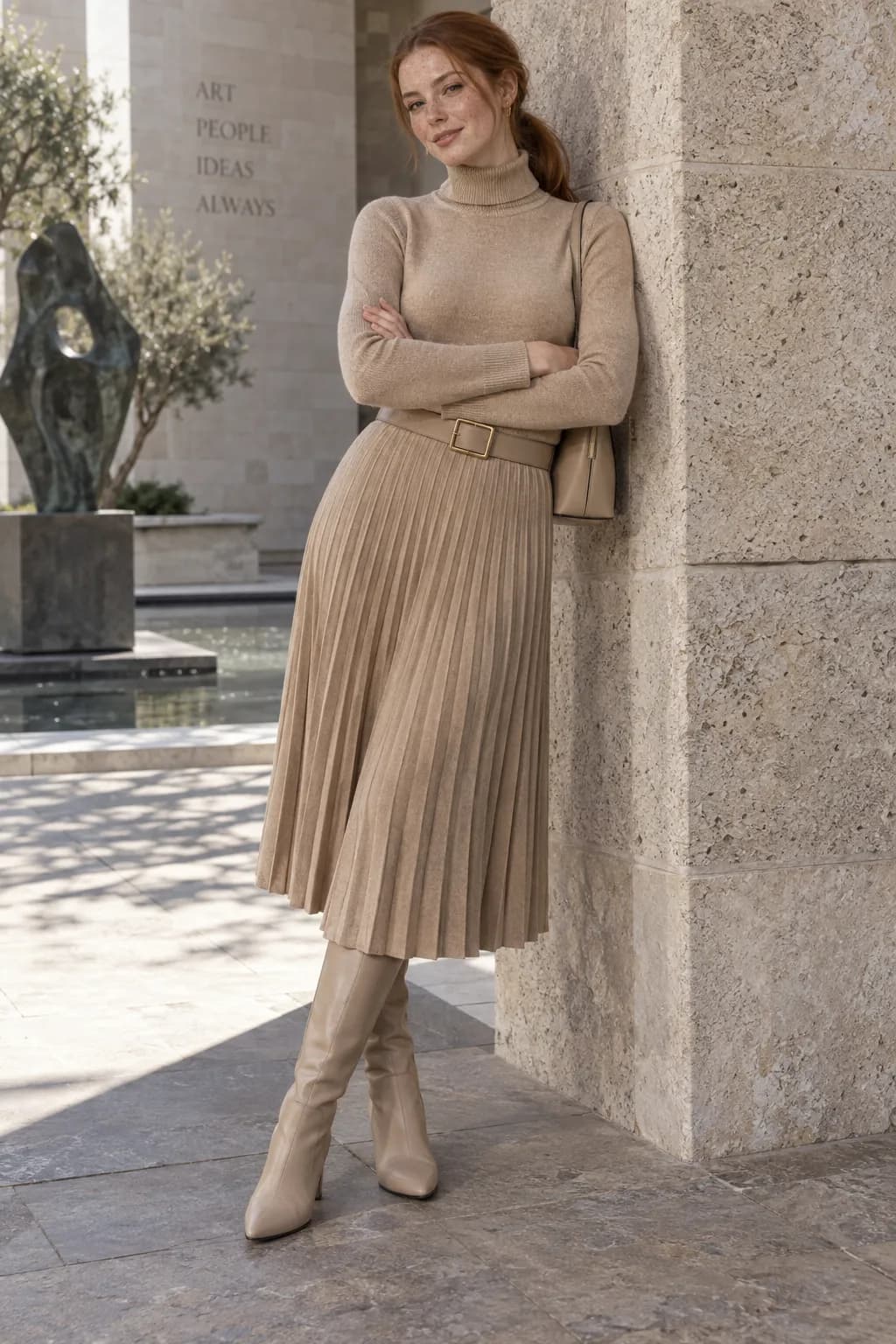
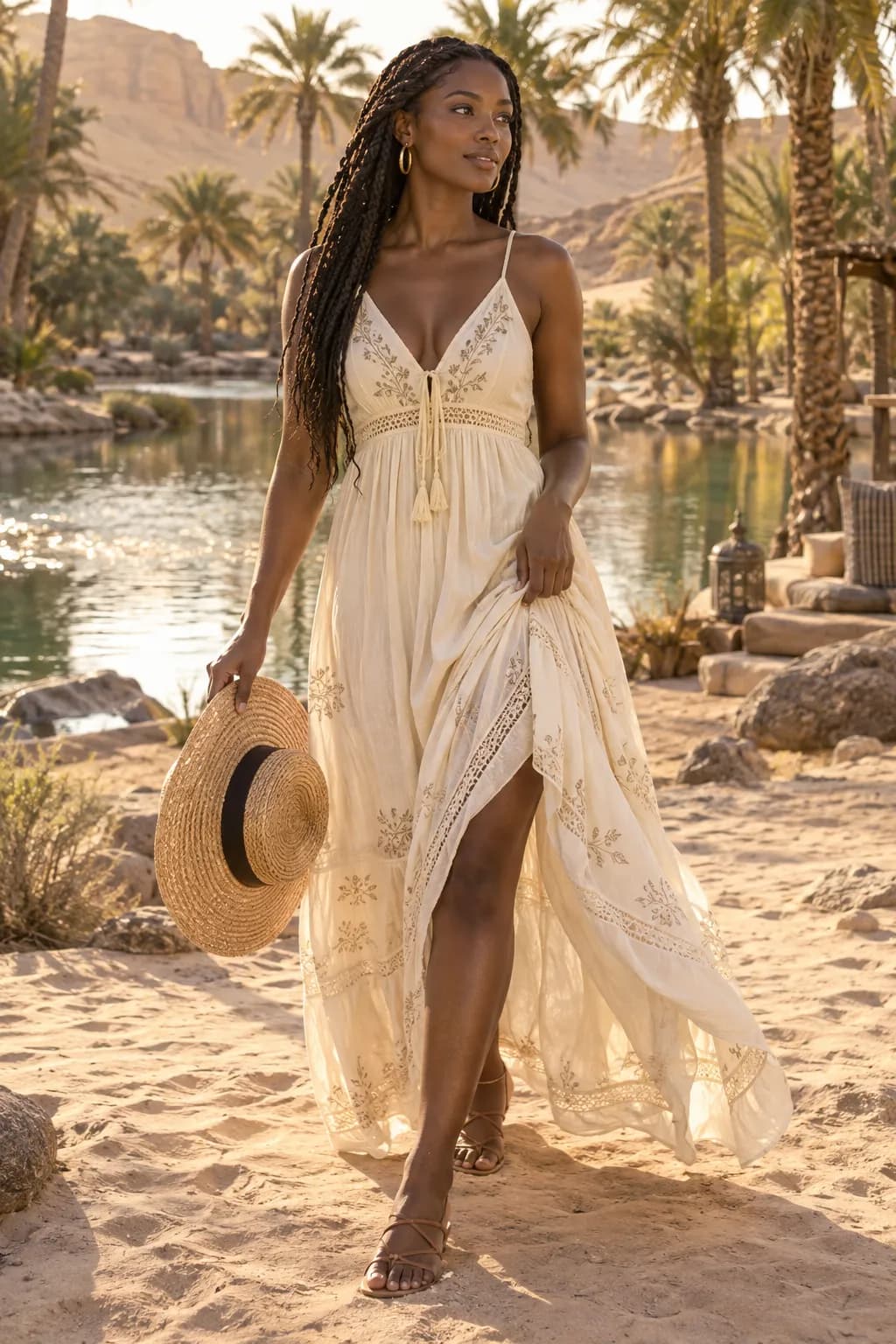
Create your AI twerk video in three simple steps. No video editing experience required.
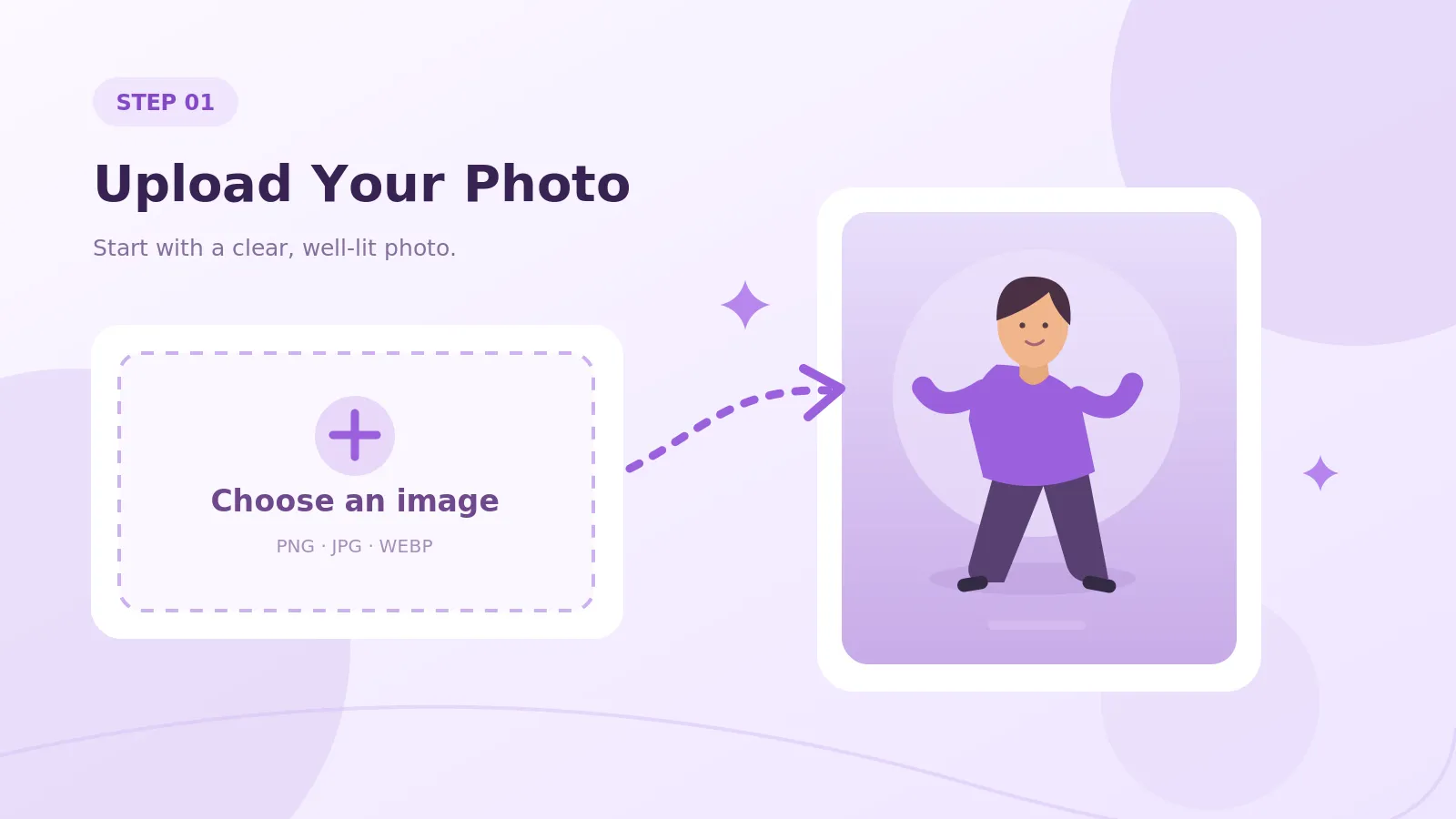
Turn a still photo into a fun AI twerking video with animated dance moves and upbeat hip-hop music. No prompts, filming, or complicated video editing required.
Upload your photo and let AI handle the animation. There's no need to write prompts, adjust complex settings, or learn video editing software. Just choose your image and generate your twerk video.
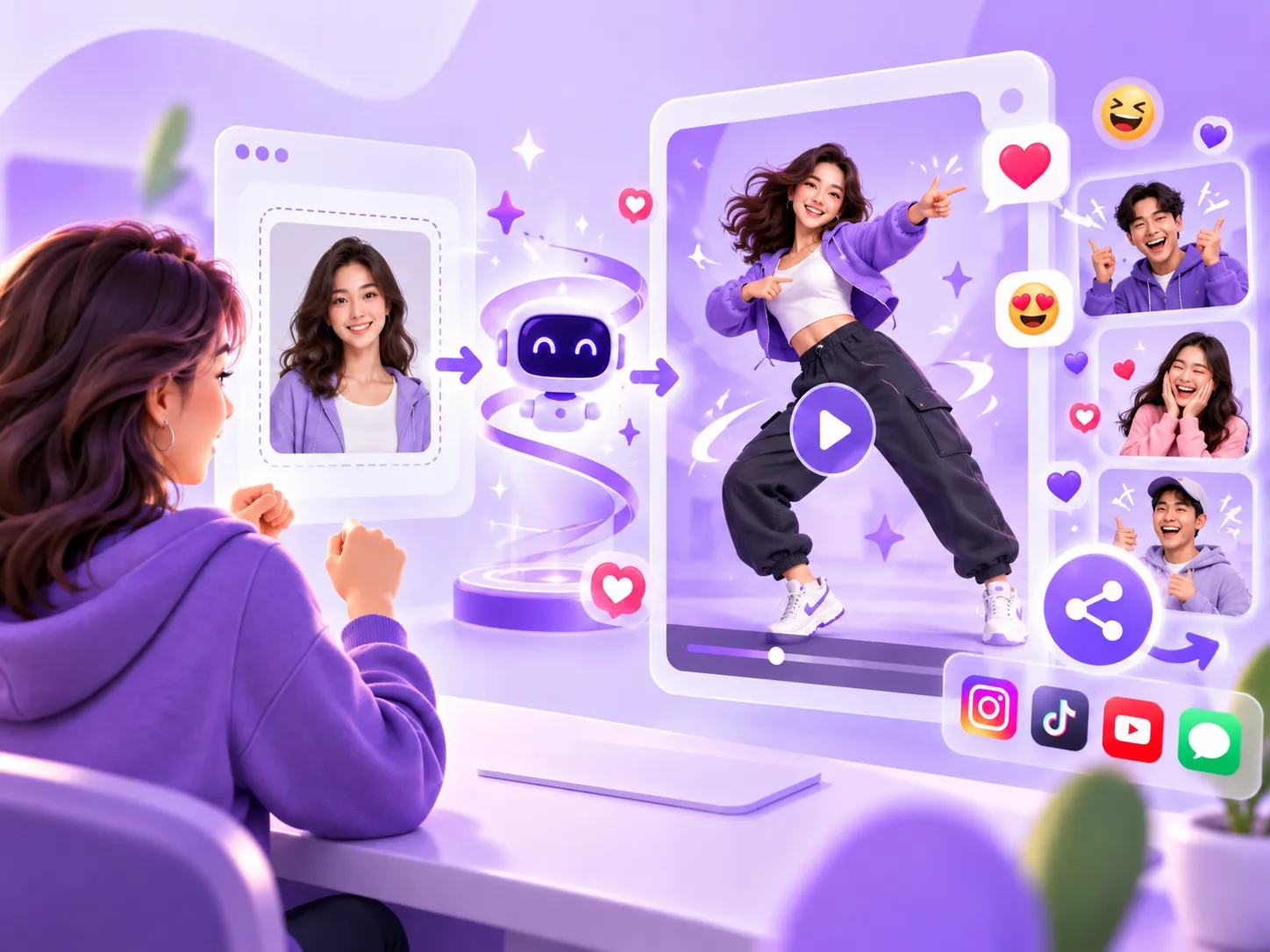
Give ordinary photos an unexpected twist with AI-generated twerking moves. Create funny dance clips, reaction memes, and entertaining videos to share with friends or post on social media.
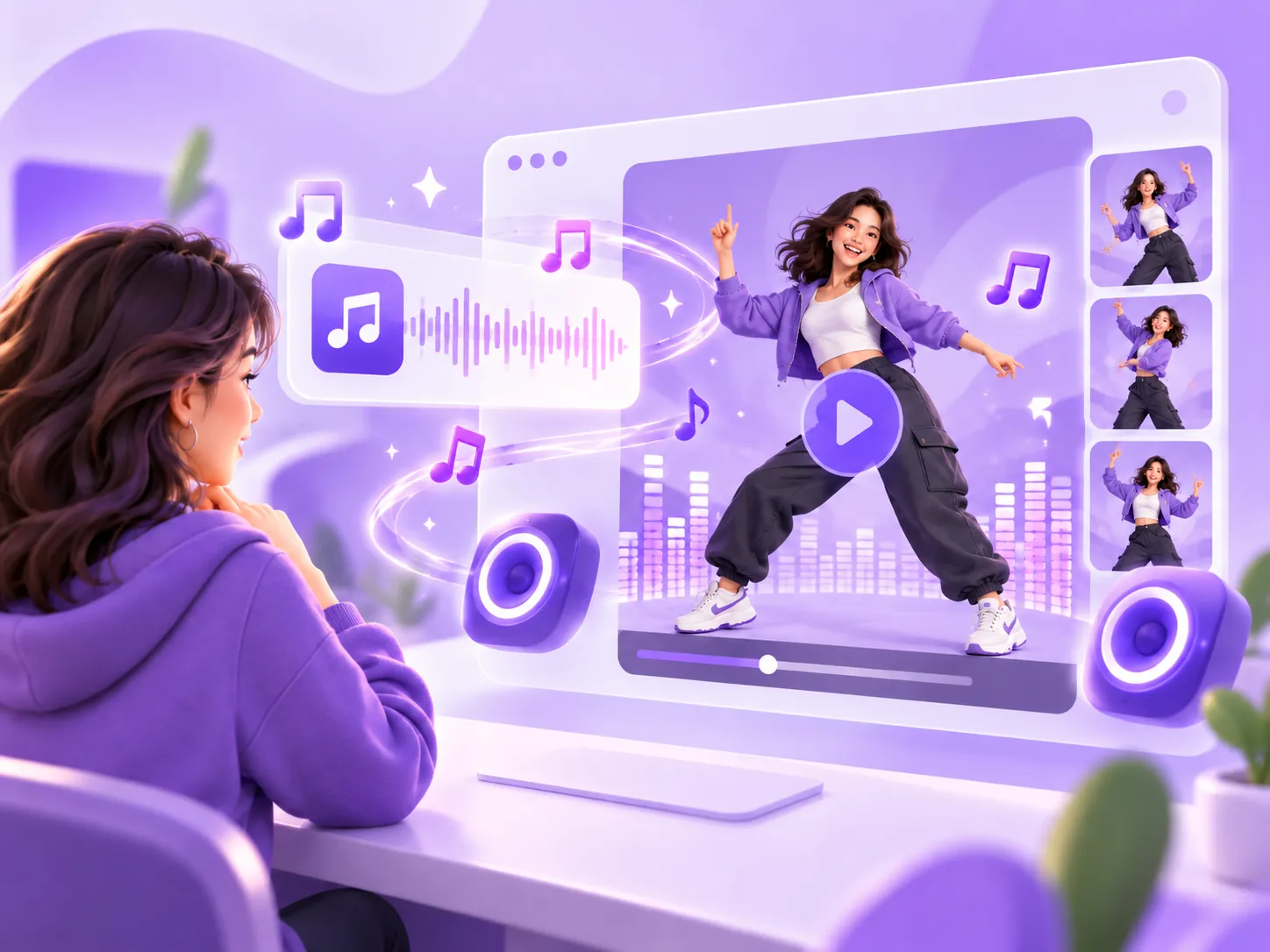
Every generated twerk video comes with upbeat hip-hop music automatically. Get a dance video with background music already included, without manually searching for songs or syncing audio.
From funny memes to social media clips, there are plenty of ways to turn your photos into entertaining AI dance videos. Here are four ideas to try.
Turn a serious portrait or an awkward selfie into a funny twerking meme. Add an unexpected dance move to your photo and create a reaction video to share with friends or in group chats.
Make short AI twerk videos for TikTok, Instagram Reels, or YouTube Shorts. Turn a photo of yourself into an animated dance clip without having to perform or record the dance yourself.
Create a funny birthday greeting, party surprise, or celebration video with a playful AI twerk animation. Use your own photo or an image of a friend who has agreed to participate.
Experiment with cartoon characters, illustrations, or creative artwork. Turn a still character into a dancing animation and see how AI brings the image to life with twerking moves.
Start with a clear, well-lit photo that shows the person's hips and legs. Try to avoid blurry shots, extreme close-ups, or poses that hide most of the body. The more clearly the person is visible, the more visual information the AI has to work with.
The AI uses your uploaded photo as a reference, but it may change some details while animating it. Your face, outfit, and body proportions may look a little different in the finished video.
Yes. When your video is ready, you can download it and share it on TikTok, Instagram, Discord, or wherever you like.
Yes. Uploaded photos are encrypted and kept in secure storage. We do not share your content with third parties.
Yes. Exports are royalty-free, so you can post them on social media, use them in marketing, or turn them into merch.
Upload your photo and turn it into a fun AI twerk video in just a few steps. No filming or video editing required.